“Where is my delivery?” is a short question. Answering it can mean finding a reference, checking the latest update and asking dispatch what changed. A useful support conversation keeps those steps connected.
AuvraAI brings an agent, your approved knowledge, a workflow and your team into the same customer journey. Start with routine questions and a clear route to a person for exceptions. Live tracking or booking changes need an approved connection to your own system; a conversation alone cannot verify that a parcel moved.
1. Choose one journey.
Begin with a request your team sees often. “Delivery status enquiry” is a useful first scope: collect the shipment reference, explain the next approved step and bring in dispatch when the answer needs investigation.
Status enquiries
Identify the shipment and the information needed to check it.
Delivery exceptions
Pass a missed delivery, damaged parcel or conflicting update to the right person.
Customer follow-up
Keep the conversation and the agreed next step together.
Define what success means before building. An enquiry can end with an approved answer or an accepted handoff. Neither is automatically proof of a completed delivery.
2. Give the agent a clear role.
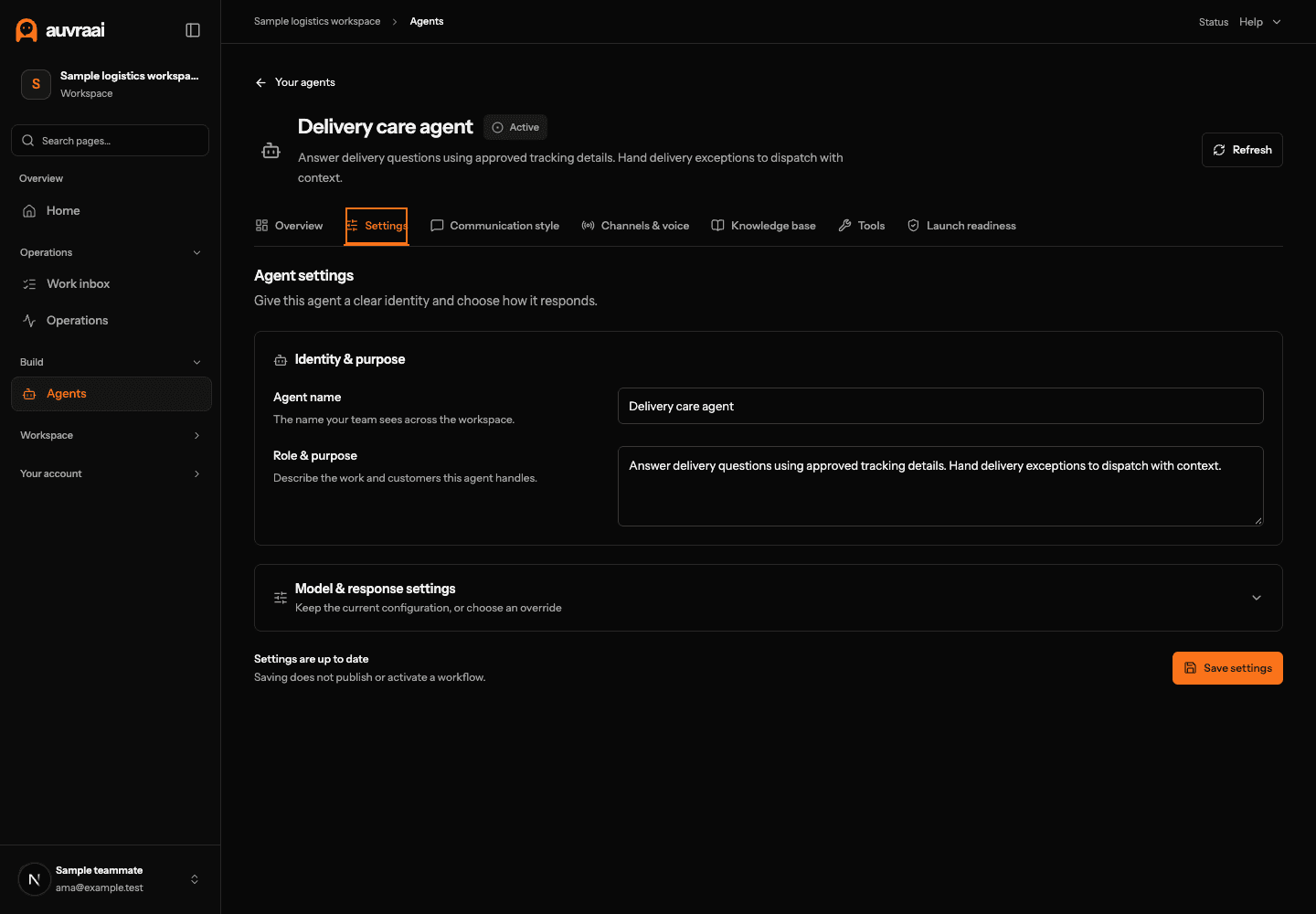
Open Agents and choose the agent for this journey. In Settings, use a name your team recognises and describe its responsibility. For example:
Help customers with delivery enquiries. Ask for a shipment reference, use approved information, and route missing or conflicting updates to dispatch. Do not promise an arrival time without an authoritative update.
Use Communication style to set a calm, concise tone. In Channels & voice, review the selected channels and assigned numbers, then choose a voice if this journey includes calls. Channel setup and live availability are separate checks.
3. Add information you can trust.
In the agent’s Knowledge base, review the sources available to it. Useful material includes service areas, operating hours, pickup cut-offs, failed-delivery policies, escalation contacts and the information required for a claim.
- Keep policies current and give each source a clear name.
- Distinguish a general delivery window from the status of one shipment.
- Define what the agent should say when information is missing.
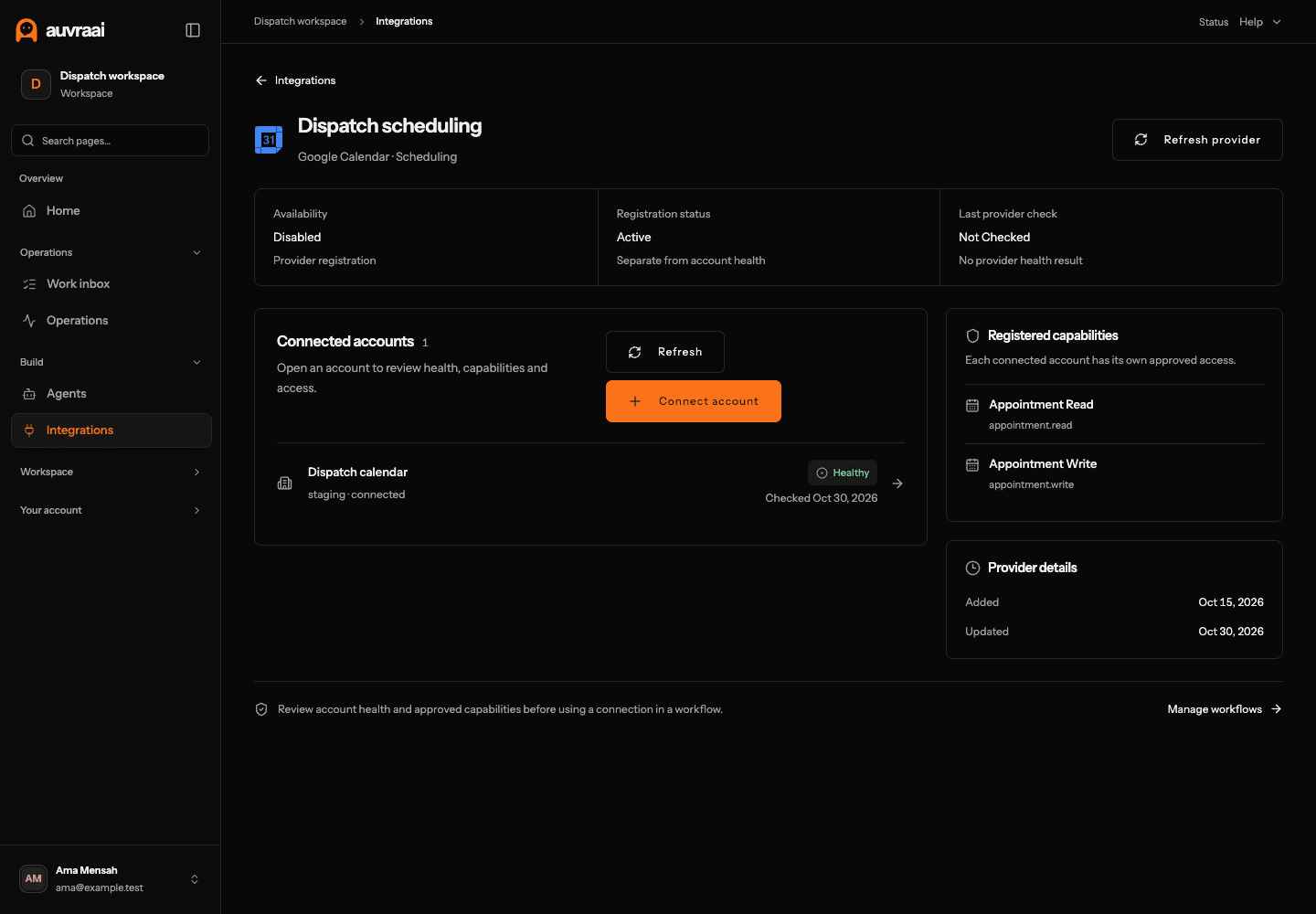
For shipment-specific answers, connect an approved tracking system through Integrations where supported. Review the connected account’s health, permissions and available capabilities. Start with the minimum access needed; a read-only status enquiry does not need permission to change a booking.
4. Make the next step explicit.
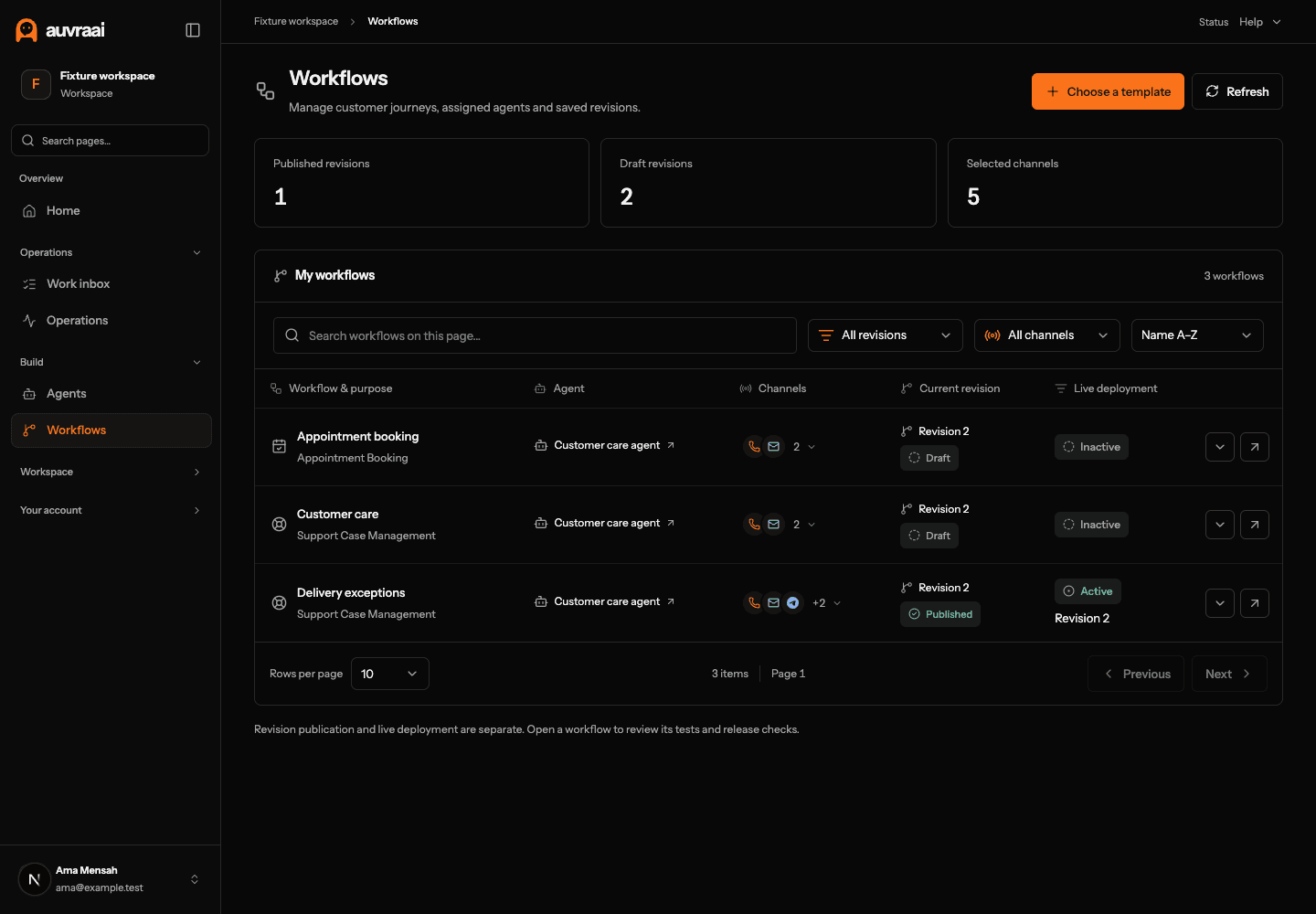
Open Workflows, choose an appropriate template and assign the agent. Review the canvas and configuration together: what information comes in, which approved action can be taken, and where exceptions go.
- Understand: ask for the shipment reference and the customer’s question.
- Check: use an available, authorised source for the answer.
- Respond: explain the returned information without inventing a delivery promise.
- Escalate: route a missing reference, conflicting update or sensitive change to a person.
If your integration cannot read a tracking update, keep the workflow as guided intake and handoff. Add the connection before enabling any action that relies on it.
5. Keep dispatch in the loop.
A useful handoff carries the customer’s request, reference and conversation. Set up the relevant team members and available routing controls so exceptions reach someone who can act.
Your team can review customer conversations in Inbox and eligible work in Work inbox or Support tickets, according to their permissions. Use internal notes for context. Keep customer-facing replies separate from team instructions.
For a voice journey, use Live monitoring to review the permitted call context and available supervision actions. Listening, coaching and taking over depend on the current call, role and media eligibility.
6. Test the difficult cases first.
Use the workflow’s Test tab before reviewing Release and the agent’s Launch readiness. A saved or published revision is not, by itself, permission to send live traffic.
- A valid reference with a current status update
- An unknown reference or a temporarily unavailable system
- A customer asking to change the delivery address
- A delayed, damaged or disputed delivery
- A customer asking for a person
- A channel or follow-up message that cannot be delivered
Confirm that failures lead to an understandable next step. Review the exact saved revision and the evidence required for your release checks. Start with a controlled scope your team can supervise.
7. Review the work behind the numbers.
Use Analytics for activity, customer-work results and workforce measures. Read a metric’s definition and coverage before comparing it over time. An accepted handoff, a sent message and a verified business result measure different things.
Use Outcomes to inspect recorded call results and Recovery for delivery issues that need attention. Pending billing charges should remain pending until finalized, even when the usage quantity is already available.
Expand only after you understand where the first journey succeeds, where it hands off and where evidence is missing. The next workflow should solve a specific operational problem, with the same clear boundaries.